Dashboard walkthrough
Visual setup flow for API key, users, plans, features, and integrations.
Use this flow to bootstrap an app quickly with realistic demo data.
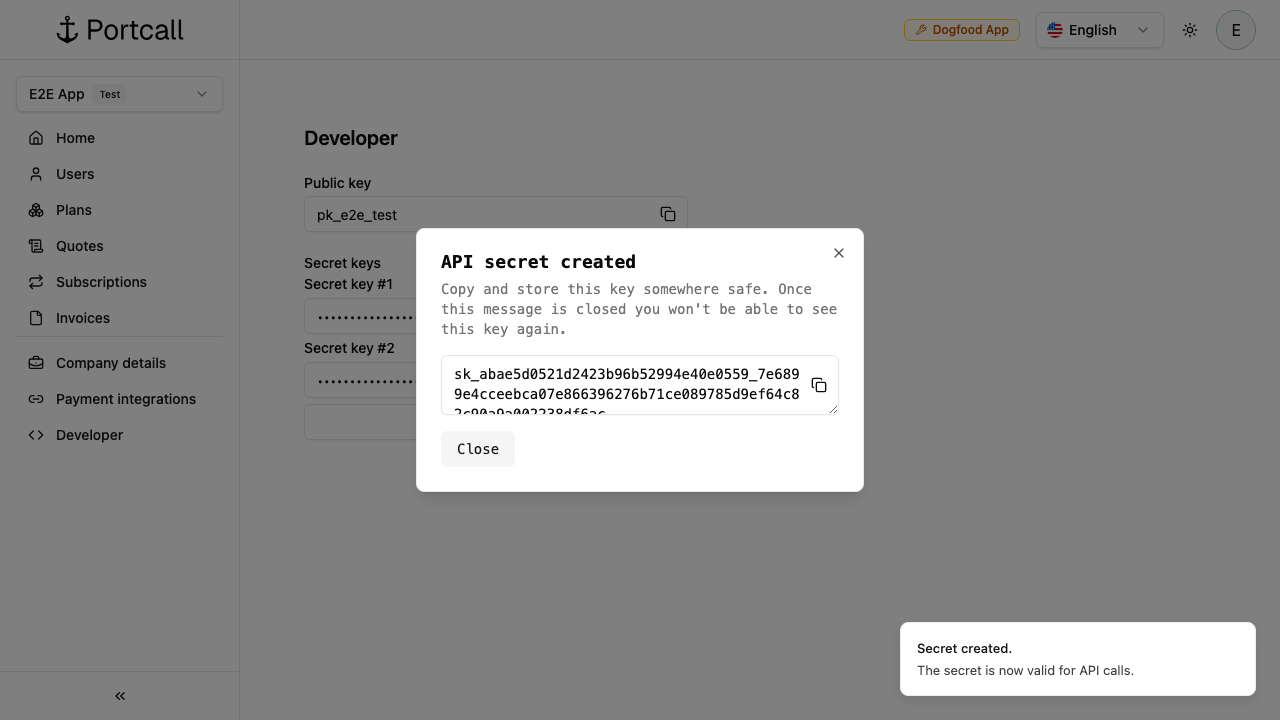
1) Create API key
Go to Developer and create an API secret.
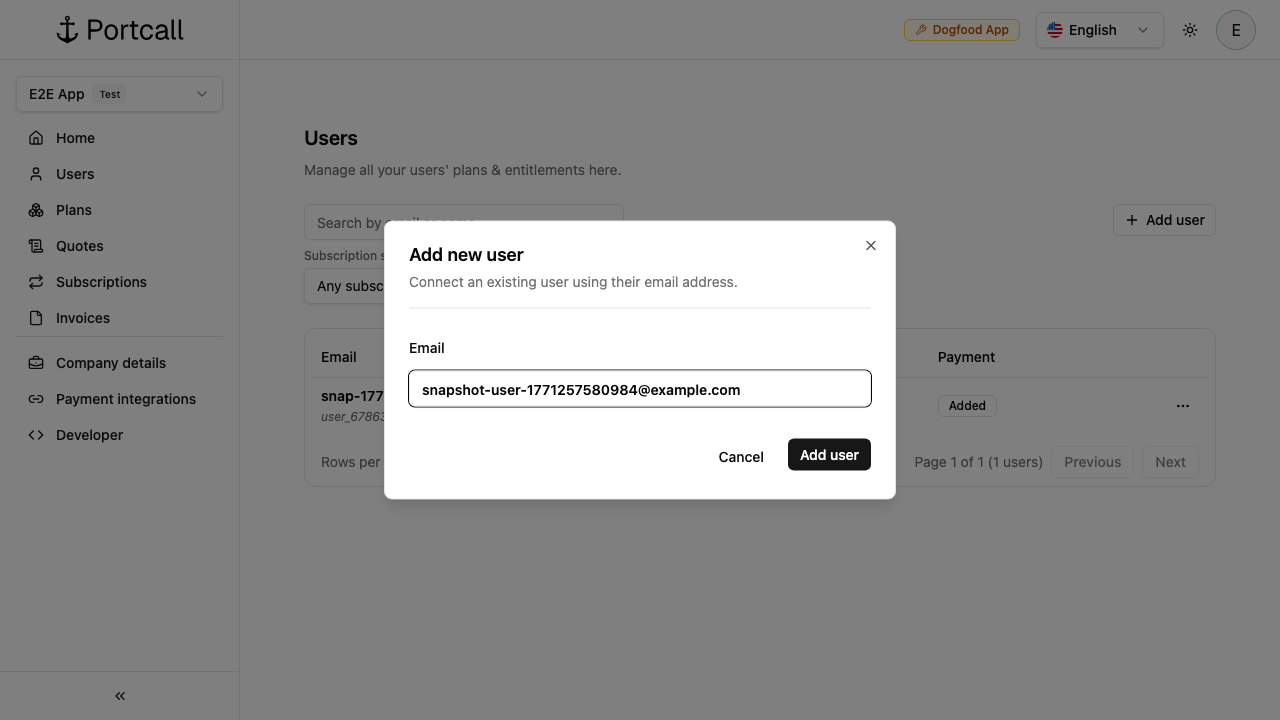
2) Create user
Go to Users and create a user (for example taylor.chen@example.com).
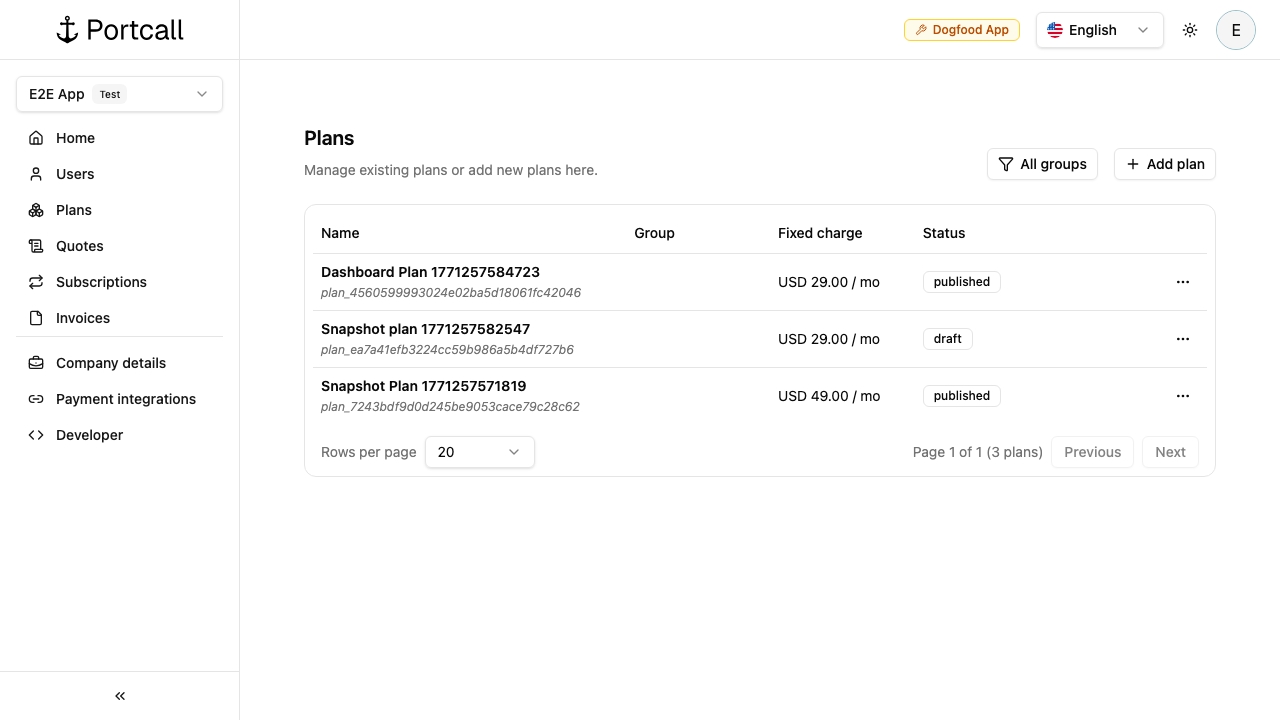
3) Create a plan
Start from Plans.
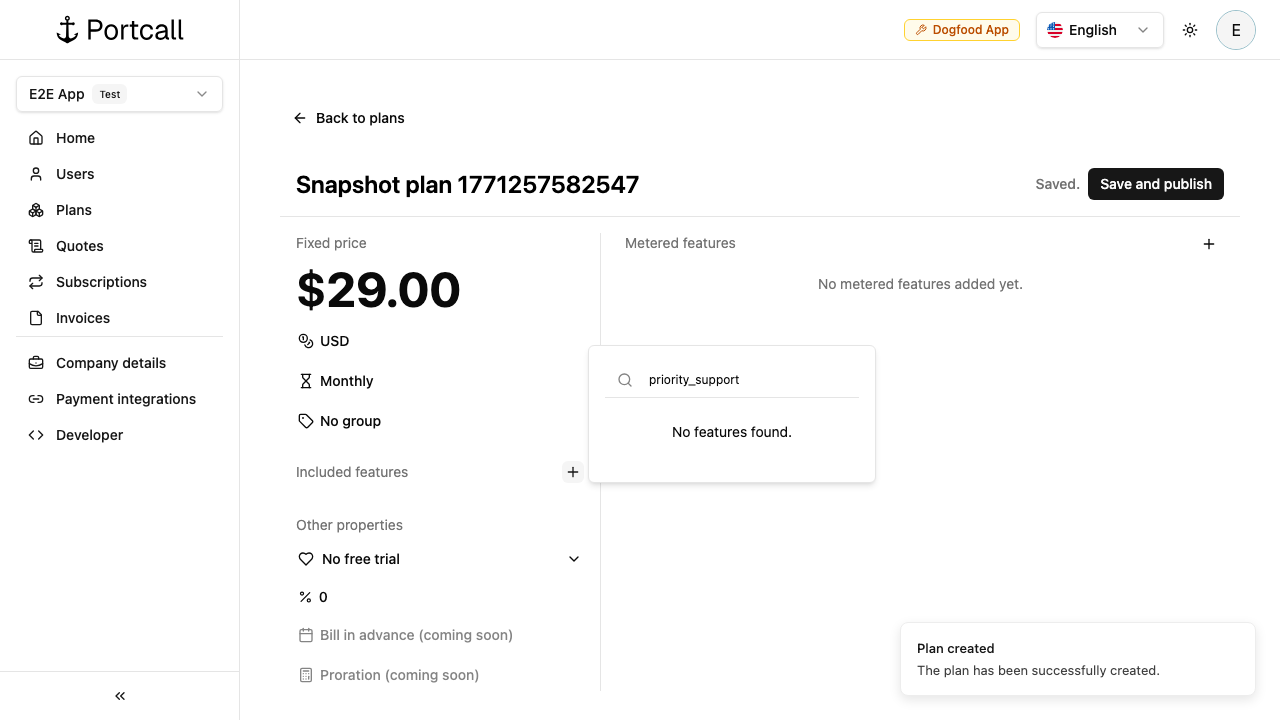
Configure plan details (example name: Acme Pro, fixed price: $29/mo).
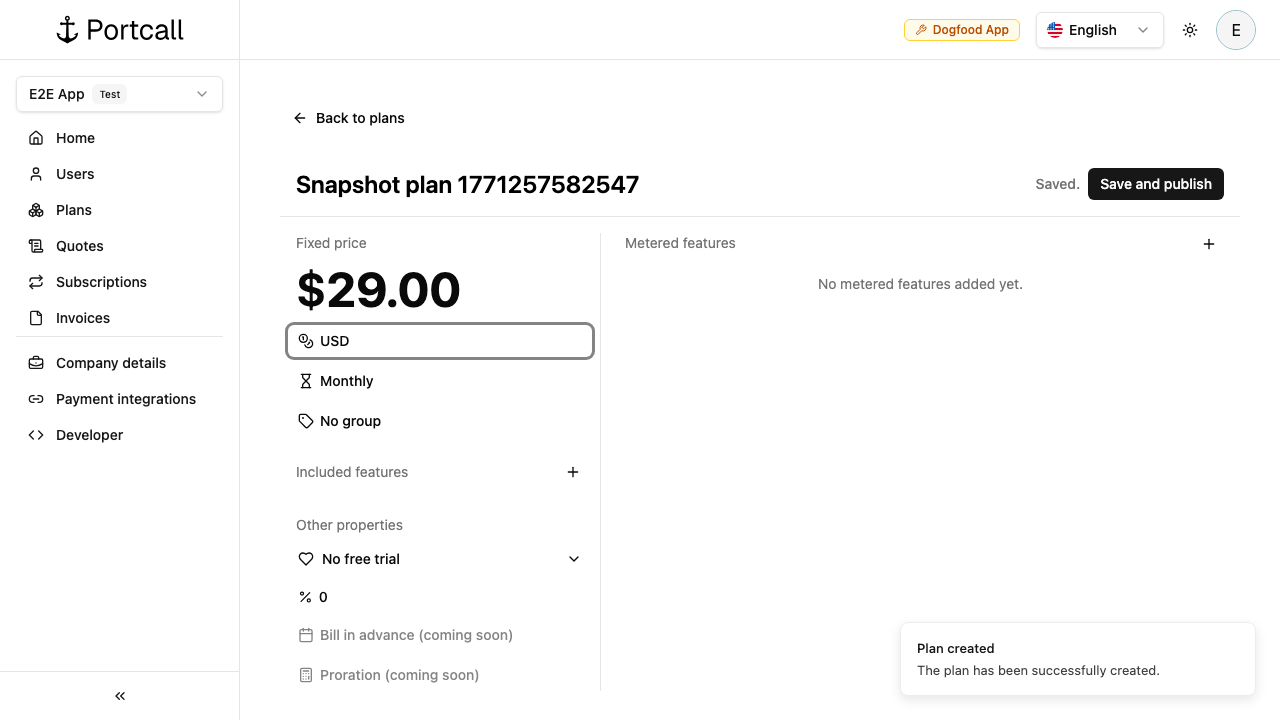
4) Add plan features
Use Add feature to attach included features to the plan.
5) Connect payment provider
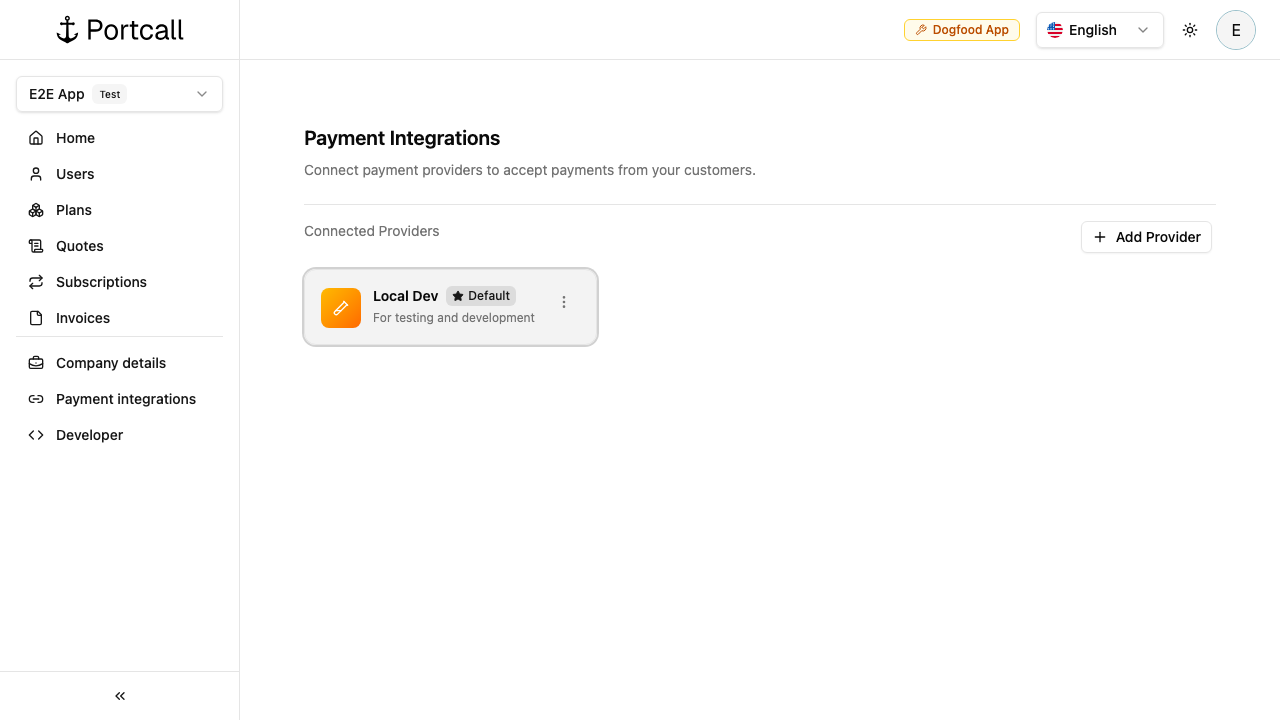
For live paid billing, connect Stripe or Braintree in Payment Integrations.
6) Continue with API integration
With API key + user + published plan + provider connected, continue with: